

Free WhatsApp QR Code Generator
Start a WhatsApp chat with one scan, with your number and a message already typed. Built for support desks, order lines, bookings and delivery notes.
- Free, no sign-up
- Runs in your browser
- PNG and SVG
- Yours to use commercially
What this tool does
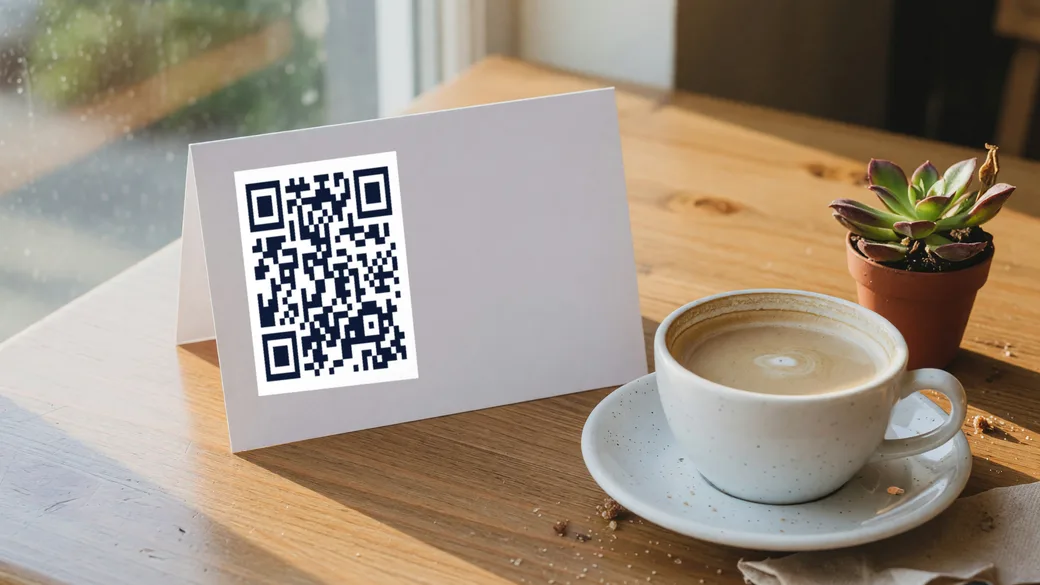
The pre-filled message is the part that earns its keep. A code on a table that opens "Table 12 — I would like to order" tells you where the customer is sitting before they have typed a word, and it works the same way on a shelf label or a delivery slip.
At a glance
| Encodes | A wa.me link to your number, with an optional pre-filled first message |
|---|---|
| Number format | International, digits only — country code with no plus sign, no spaces, no dashes |
| Cost | Free, no limits on how many you make |
| Sign-up | None. No account, no email address |
| You download | PNG (high resolution) and SVG (vector) |
| Where it runs | Entirely in your browser. Nothing is uploaded |
| Code type | Static — the content lives inside the image |
| Editable after printing | No. Change the content and you get a new code |
| Scan tracking | No. There is no server in the path to count a scan |
How it works
Enter your details
Enter your WhatsApp number with its country code, and the message you want pre-filled.
Style it, and keep it scannable
Pick colours, module and eye shapes, a gradient, a frame, or drop your logo in the middle. The preview updates as you type and the timing patterns stay square, which is what keeps it readable.
Download and print
Take a high-resolution PNG or a vector SVG. Free, no sign-up, no watermark, and the file is yours.
Good to know
- The country code is required and the leading zero is not. A Jordanian 079… number is +96279…, never +9620 79….
- The customer still has to press send. A pre-filled message is a draft, not a sent message — WhatsApp does not allow otherwise, and that is the correct behaviour.
- Print a different code per table or per shelf and put the location in the message. It costs nothing and turns every scan into a routed request.
- This is a static QR code: your content is encoded into the image itself, so nothing is stored on our servers and the code never expires — but its destination is fixed once you print it.
- Everything runs in your browser. What you type is never uploaded, which is also why there are no scan statistics on these codes: there is no server in the path to count anything.
Need an editable, trackable QR?
A dynamic Qrindo code keeps the same printed image but lets you re-point it any time and tracks every scan, geo, device, and live.
Frequently asked questions
Do I need WhatsApp Business for this?
No. It works with any WhatsApp account. WhatsApp Business adds a catalogue, away messages and labels, none of which the QR code depends on.
What happens if the scanner has no WhatsApp?
The link opens in a browser and WhatsApp offers its web version or its install page. Nothing breaks, but the conversation does not start, so put a phone number in print next to the code if walk-in customers matter.
Can I see how many people scanned it?
Not with a static code — there is no server between the scan and WhatsApp to record anything. Counting scans, or changing the number later without reprinting, is what a dynamic code is for.
Why does my WhatsApp QR code open an invalid number?
The number is not in international format. WhatsApp wants digits only, starting with the country code and with no plus sign, spaces, brackets or dashes. A local number that works when you dial it will not work here.
Does this need WhatsApp Business?
No. The link works with any WhatsApp account, personal or business. WhatsApp Business has its own in-app QR code, but that one only lives inside the app; this one you can print.
Can I change the pre-filled message later?
Not on a printed static code — the message text is inside the image. If the message is seasonal, point a dynamic code at the wa.me link and edit the link instead of reprinting.
Still not sure about something? Read the full FAQ →
More free QR tools
QR generator
Create a free, high-resolution QR code for any link in seconds. Style it with your colours, shapes and logo, then download PNG or SVG. No sign-up, no watermark.
Free QR generatorWiFi QR
Let guests join your WiFi with one scan instead of typing a password. Generate a free WiFi QR code and print it for a café, an office, or a spare room.
Free QR generatorvCard QR
Share your contact details with one scan. Generate a free vCard QR code that saves your name, company, phone and email straight into the phone that scans it.
Free QR generatorPDF QR
Turn a menu, brochure, price list or manual into a scannable PDF QR code. Host the file anywhere with a public link and reach it with one scan.
Free QR generatorSMS QR
Open a text message with your number and a message already written. Useful for keyword campaigns, opt-ins, and anywhere a customer has no data connection.
Free toolQR reader
Upload a QR code image, or use your camera, and see exactly what is inside it — decoded, identified and labelled field by field, without opening anything.
Free toolQR safety check
Check a QR code before you open it. Decode the link and see whether it uses the tricks behind QR phishing — lookalike domains, hidden credentials, IP hosts and disguised downloads.
GuideDynamic vs static
The full guide to the difference between a code you can change and one you cannot.